NOVABER / Document
OCR Document Recognition
Powered by PaddleOCR, GLM-OCR, and OvisOCR2, with batch text recognition, layout analysis, and table extraction from images and PDFs. Review results alongside the originals and export TXT, Markdown, DOCX, or XLSX for scan organization, receipt entry, and document digitization.
Released · Version v26.9.12
Download for Windows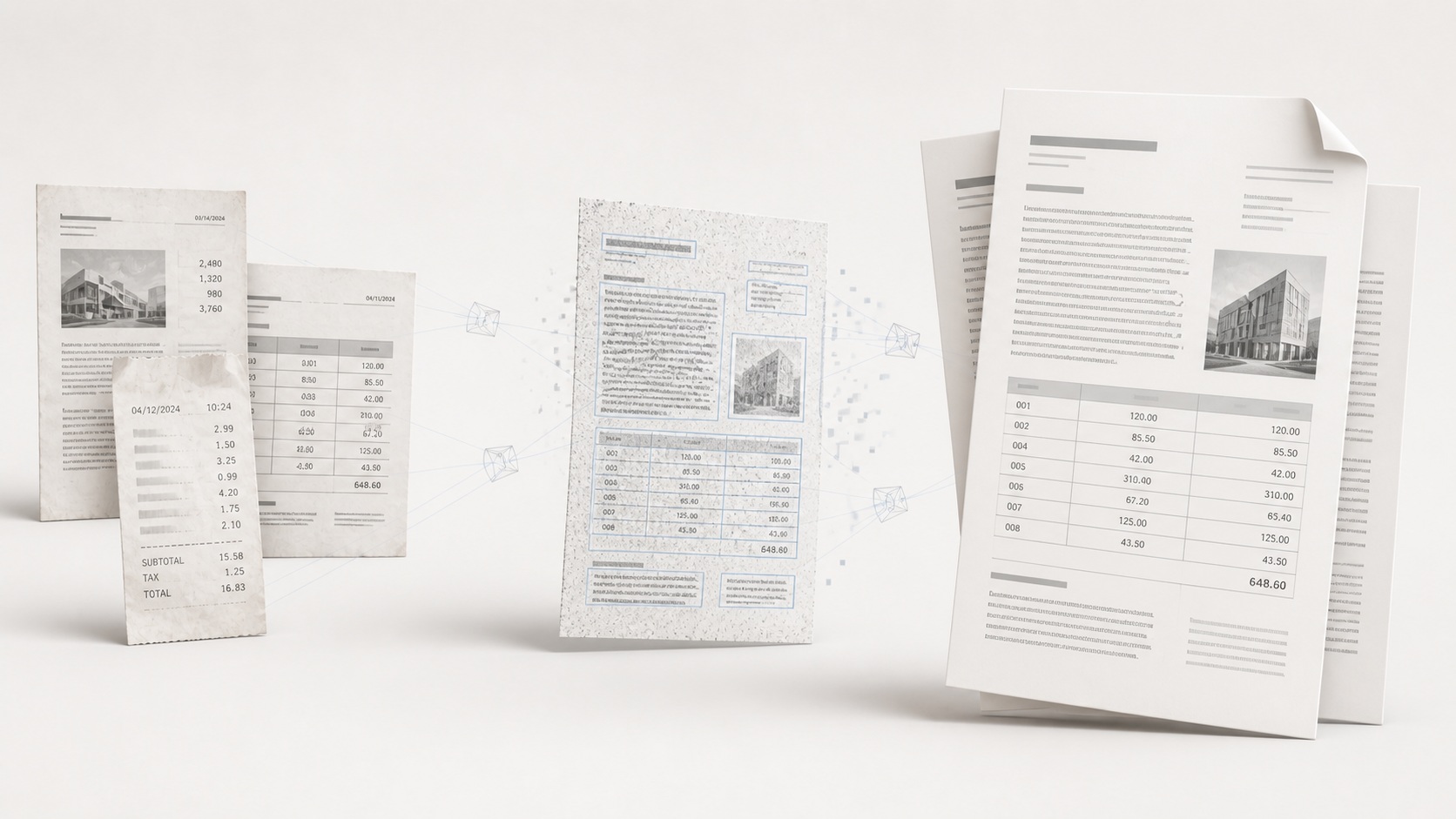
Requirements
- Operating system
- Windows 10 / 11 · x64
- Runtime
- Docker Desktop
- Compute
- CPU inference; enterprise offline licensing requires an NVIDIA GPU
- Video memory
- No inference VRAM requirement for the current CPU build
- Download size
- Four service images total ~2.69GB; models downloaded separately
An internet connection is needed to download applications and sign in. Download size and setup time depend on the image and your connection.
Get started with OCR Document Recognition
- Download and install Novaber for Windows, and prepare Docker Desktop.
- Choose this application in the catalog and check the GPU, VRAM, and download requirements listed on this page.
- Select Install locally and wait for the image download and container setup to finish.
- When the application is ready, select Open workspace to start working in its local interface.
Built with
- PaddleOCR ↗ Apache-2.0
- GLM-OCR ↗ MIT
- OvisOCR2 ↗ Apache-2.0
- PP-DocLayoutV3 ↗ Apache-2.0
Third-party names and trademarks belong to their respective owners. Use and distribution are governed by each project's license and do not imply endorsement of Novaber.