Windows 10 / 11
An x64 desktop installer is currently available.
YOUR LOCAL AI WORKSPACE / WINDOWS
Manage your AI applications on Windows. Check your environment, set up containers, and launch applications — so your local hardware can get to work.
Vision · 3D · Video · Speech · Document
A growing suite of AI applications, designed to run locally on your machine.
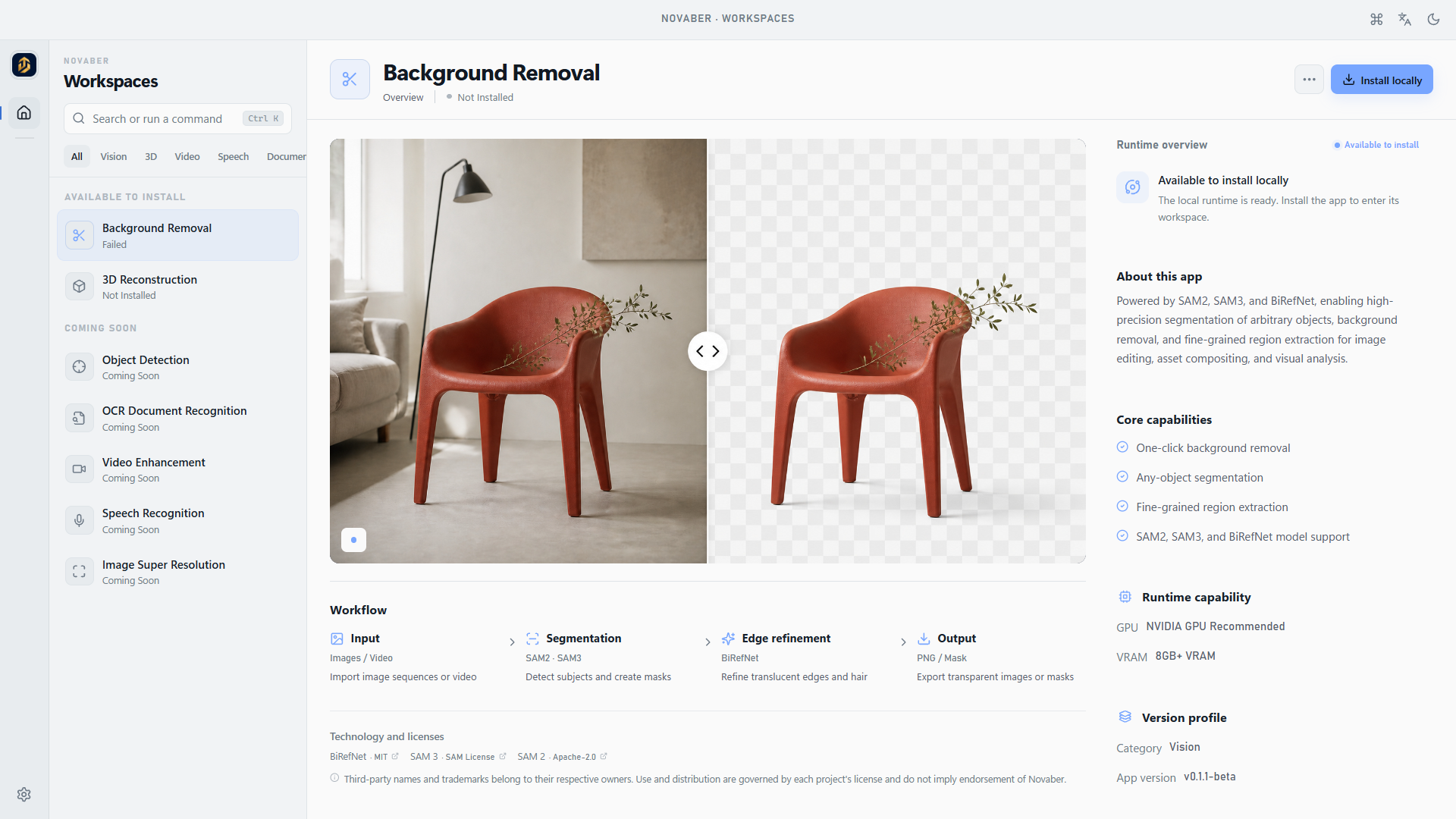
Browse applications and check their status without jumping between tools.
Applications run in separate containers, without manually configuring complex dependencies.
Use your computer’s GPU to process tasks and manage the results on your device.
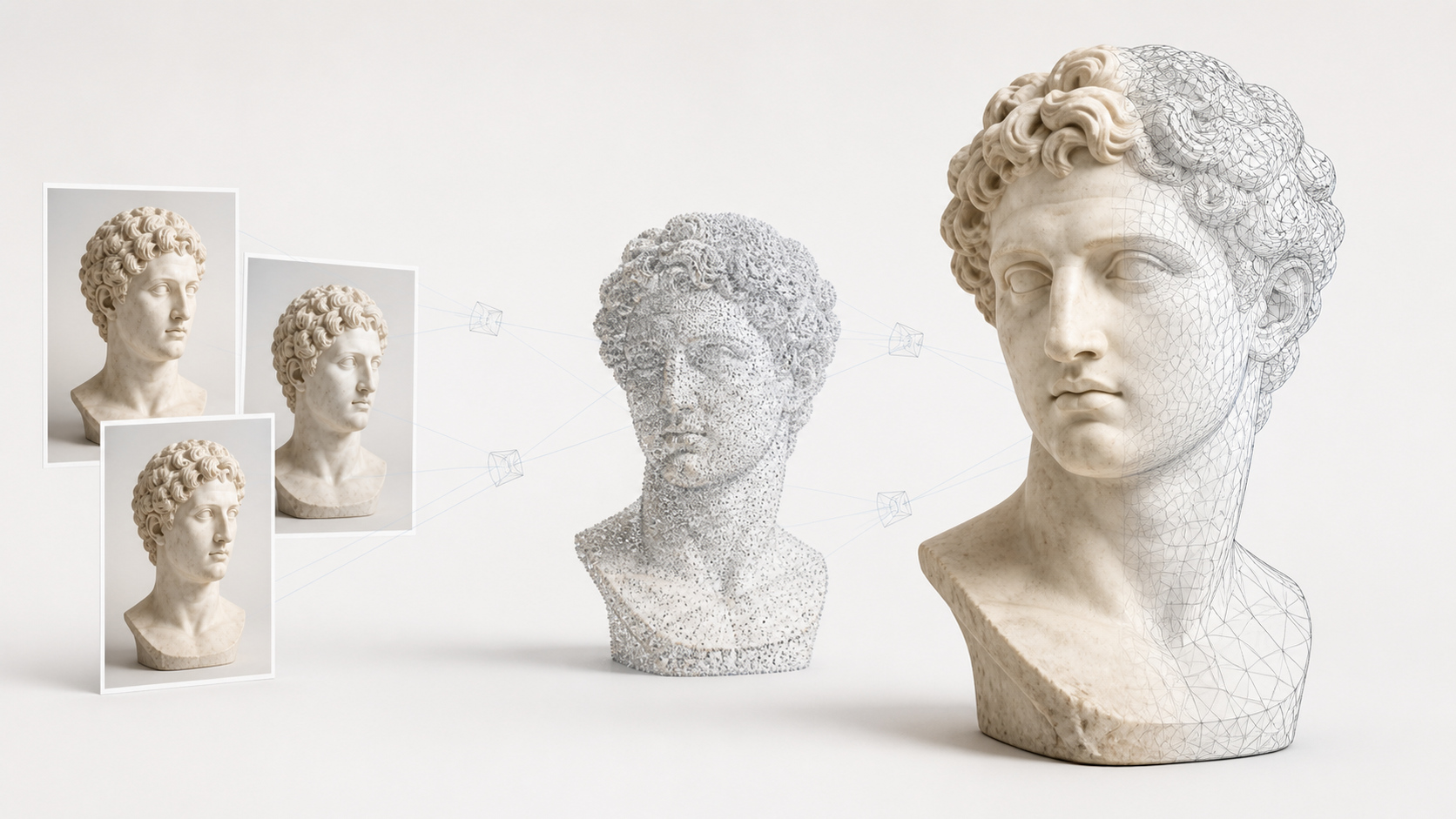
Generate point clouds and mesh models from multi-view images or video sequences for spatial modeling workflows.
Third-party names and trademarks belong to their respective owners. Use and distribution are governed by each project's license and do not imply endorsement of Novaber.
How it works
Let the workspace handle setup so you can focus on the task. Clear status at every step.
Explore application details and requirements to find the right tool for your task and device.
Check Docker, GPU availability, and video memory against the application requirements.
Download images, prepare isolated containers, and follow the setup status.
Open the local interface once the service is ready. Process tasks and review results.
Requirements
An x64 desktop installer is currently available.
Downloads images and creates and runs application containers.
GPU and video memory requirements vary by application.
An internet connection is needed to download applications and sign in. Download size and setup time depend on the image and your connection.
FAQ
Novaber is a local AI application workspace for Windows. Browse applications, check your environment, prepare containers, and open applications from one desktop interface. Background Removal and 3D Reconstruction are currently released; applications marked as coming soon are not yet available.
An x64 installer is currently available for Windows 10 and Windows 11. Check your system before downloading. Support for other operating systems will be announced when available.
Requirements depend on the application. Check its preview or detail page for NVIDIA GPU requirements, VRAM, and download size, then run the environment checks. Hardware requirements vary between applications; use the latest catalog entry for the application you plan to run.
Novaber prepares isolated container environments for applications. Docker Desktop downloads application images and creates and runs their containers, reducing the need to set up dependencies for each tool manually.
An internet connection is needed to download application images and sign in. Application tasks run on your computer. Fully offline use depends on whether the application needs additional model downloads or external services; local execution does not mean every step is offline.
Install Novaber, check Docker, GPU, and VRAM requirements, then choose a tool from the application catalog. Select Install locally, wait for setup to finish, and select Open workspace to enter the application. Initial setup time depends on the image size and your connection.
Download Novaber to manage and run local AI applications in one desktop workspace.