NOVABER / Speech
Text to speech and multi-character AI voiceover
Turn text, TXT scripts or SRT subtitles into video narration, course audio and multi-character dialogue with local Qwen3-TTS. Correct pronunciation, redo individual lines, and export WAV, MP3, subtitles or separate role tracks.
For Windows 10 / 11 x64. Apps require Docker; check each app for GPU and VRAM requirements.
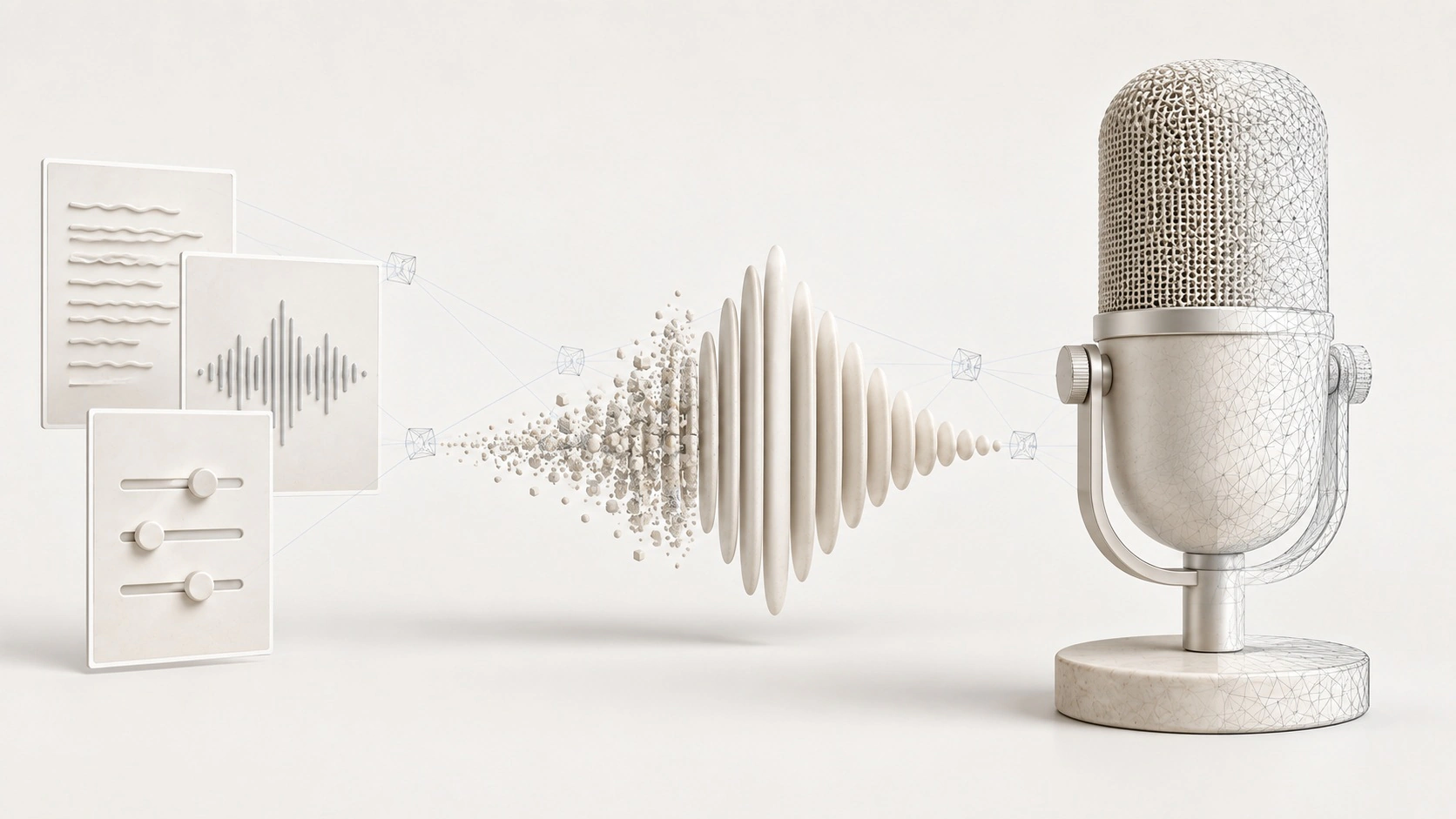
What you can use it for
Standard voices, licensed voice cloning, and text-designed voices
Batch TXT/SRT import, multi-role settings, and reusable voice templates
Per-line retakes, A/B selection, pronunciation dictionaries, and version rollback
WAV/MP3, subtitles, per-role stems, and complete delivery bundles
Turn a script into video narration and separate voice tracks
Import
Import dialogue in batches while preserving subtitle timing
Voices
Choose or reuse authorized voices for narration and roles
Produce
Preview and redo lines, correct pronunciation, and adopt the best take
Deliver
Export WAV, MP3, SRT, per-role stems, and a complete delivery bundle
Requirements
Setup guide- Operating system
- Windows 10 / 11 · x64
- Runtime
- Docker Desktop
- Compute
- NVIDIA GPU recommended
- Video memory
- 4 GB standard voices; 8 GB recommended for clone/design
- Image and model size
- Shared image layers use about 7 GB; the three models require about 9.6 GB more
An internet connection is needed to download applications and sign in. Download size and setup time depend on the image and your connection.
Get started with Voice Studio
Installation guideInstall Novaber
Download and install Novaber for Windows, and prepare Docker Desktop.
Check requirements
Choose this application in the catalog and check the GPU, VRAM, and storage requirements listed on this page.
Prepare the app
Select Install locally and wait for the image download and container setup to finish.
Open the workspace
When the application is ready, select Open workspace to start working in its local interface.
Application questions
How do I turn SRT subtitles into a video voiceover?
Import SRT subtitles or a TXT script into Voice Studio, then assign voices to the narrator and characters. Review each line on the timeline, correct pronunciation and regenerate lines as needed. Export audio, subtitles or separate role tracks for editing.
Does it support voice cloning and voice design?
The application includes authorized voice cloning and voice design. Obtain permission to use the source voice and follow the application guidance and applicable model licenses.
Can I deliver voiceovers as separate tracks?
The workflow supports timelines and separate tracks for subsequent content production. Standard voices and cloning or design features have different device needs; check the requirements before starting.
Explore more local AI applications
Built with
- Qwen3-TTS Apache-2.0
- PyTorch BSD-3-Clause
- PostgreSQL PostgreSQL License
Before cloning a voice, confirm lawful authorization for the recording, voice identity, and script. Do not use generated audio for impersonation, fraud, infringement, or other unlawful purposes. Users are responsible for uploaded and generated content and how it is used. Third-party components remain subject to their respective licenses. This Beta awaits user acceptance of main-app updates, authorized production, and native saving. Automatic video dubbing/export, whole-book assembly, and additional engines are not available.